
CUSTOM ROBLOX FORUMS
PROFESSIONAL
ROBLOX FORUMS PACKAGE
Get a fully custom, high-quality forums package built specifically for Roblox roleplay communities. Modern design, essential features, and a professional setup — ready for your server.
$65
One-time
4
Setup steps
90
Day refunds
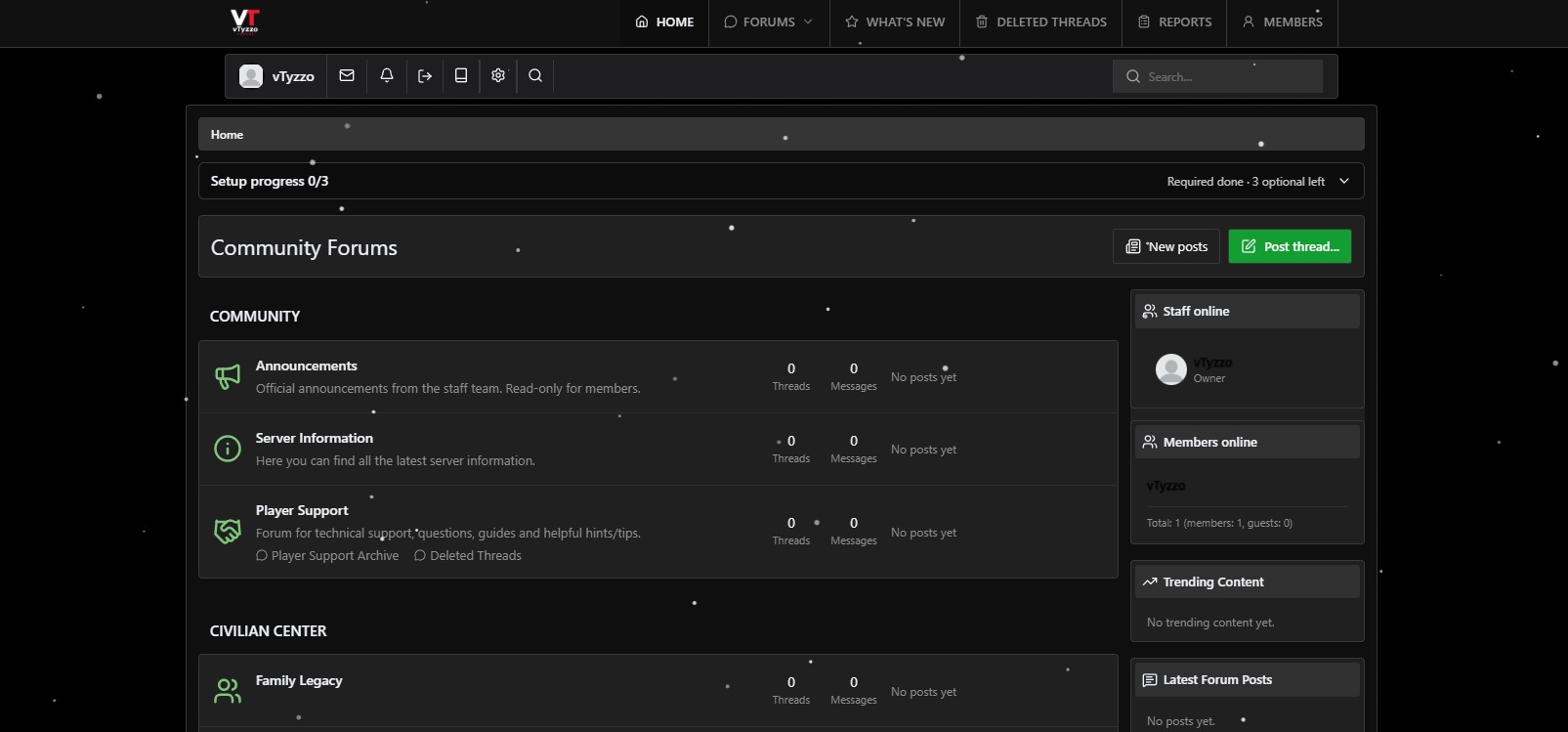
Community Forums
Keep your community engaged with organized discussion forums.
Announcements
Share important updates and server news with your community.
Player Support
Dedicated support sections for questions, guides, and helpful resources.
Family Legacy Sections
Custom sections for roleplay features like family legacy, factions, departments, and more.
Real previews
See your forums
in action
Your Roblox forums will come with a modern, professional design and all the essential sections your community needs. Here are real previews of what you will receive with the Forums Package.
- Clean, modern interface
- Community forums & categories
- Announcements and server information
- Player support with guides and help
- Family legacy / roleplay sections
- Reports, members, and more
- Fully configured and ready to use
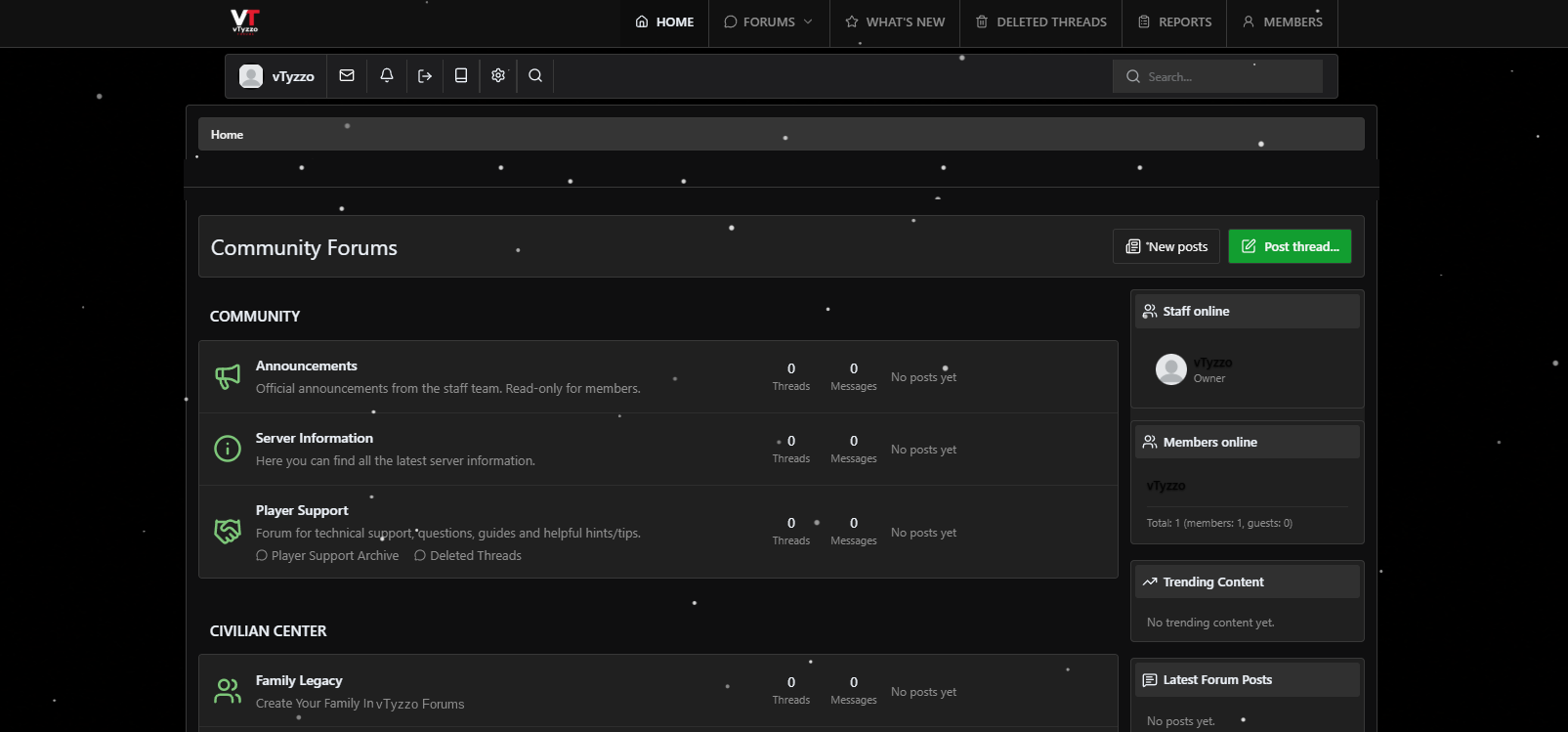
Categories, announcements, support and live member activity in one view.
Enter The Forums Password
Don't have your password yet? Join the Discord and give this code.
1234
Join the DiscordSecure & exclusive
Password protected
access
Keep your community exclusive with password protected access. Control who can view and participate in your forums, perfect for private roleplay communities.
- Password protected access
- Easy to manage access control
- Perfect for private roleplay communities
- Clean and professional login page
Setup in 4 steps
- 1
Buy & remix
Press Buy, then remix the project into your own Lovable account.
- 2
Get your password
Join the Discord and open a ticket — you'll receive your forum link and setup password.
- 3
Create the Owner account
Open your forum, enter the password, and sign up as the Owner.
- 4
Brand it & go live
Upload your logo and background, add your Discord link, and publish.
Simple & affordable
Forums Package
- Fully custom Roblox forums
- Modern and professional design
- Community forums, announcements, support
- Family legacy sections and more
- Reports system and member management
- Fully configured and ready to use
- No monthly fees
- Perfect for Roblox roleplay communities
FAQ
Ready to launch your roleplay forums?
Get your fully custom Roblox forums package today for only $65.